Internal Tools & Strategy
Custom Software vs. Off-the-Shelf: How to Decide (With a 5-Year Cost Model)
Should you build custom software or buy a tool? A practical decision framework, a 10-question scorecard, and a 5-year cost model with a break-even point, including when NOT to build.
Article summary
Key takeaways
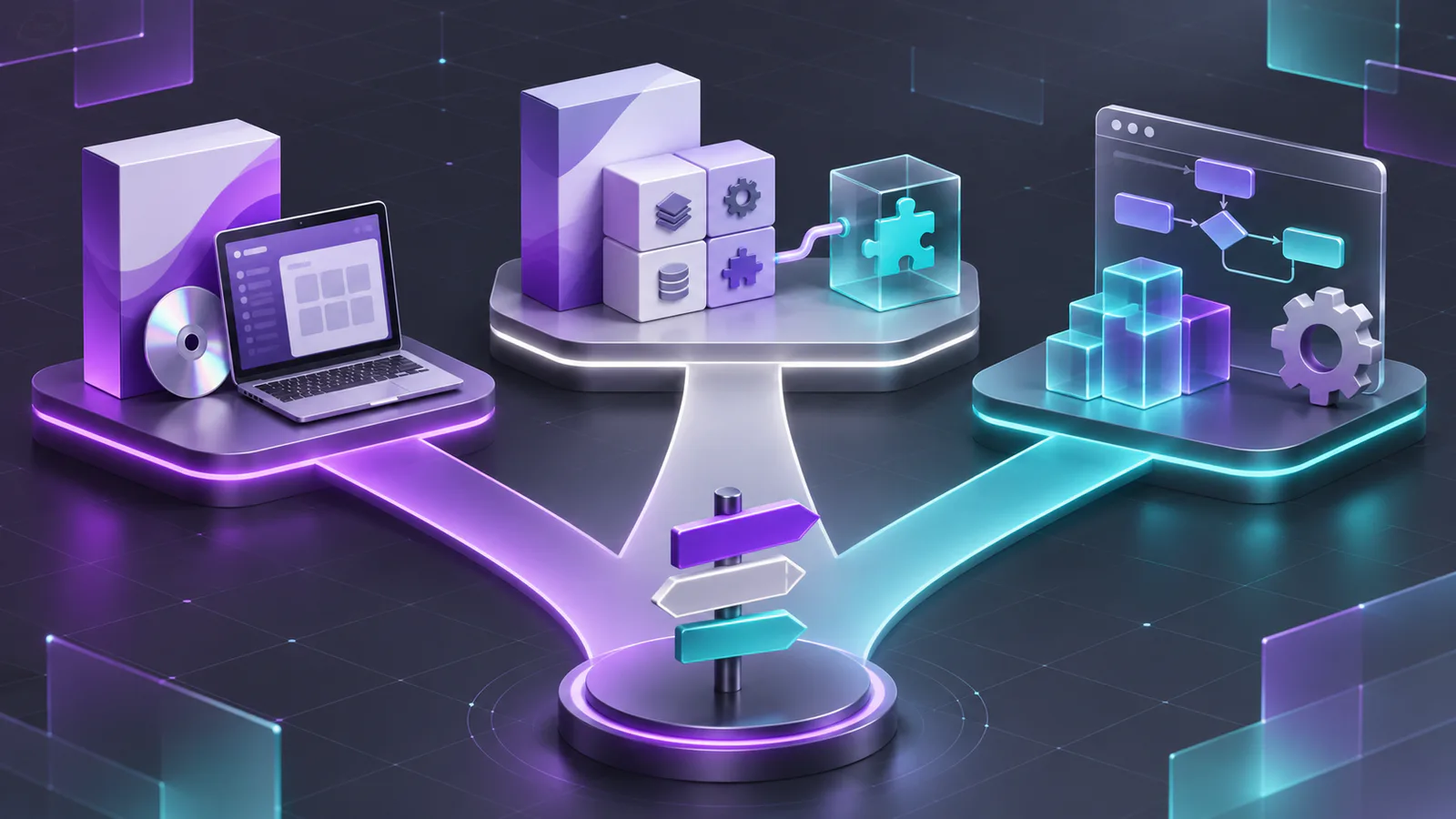
- It is not a two-way choice. There are three paths: buy an off-the-shelf tool, buy and extend it (integrations, automation, light custom layers), or build custom.
- Off-the-shelf usually wins when your process is standard, your team is small, and speed matters. Custom usually wins when the software is your competitive process, when you pay per seat for many users, or when your workarounds cost more than a tool would.
- Over five years, the cheaper option depends heavily on how many users you have. In our worked example, custom software breaks even at about 34 users.
- Count the cost of workarounds: the hours your team spends copying data between tools is real money.
- The safest way to build is small: replace the one painful workflow first, not the whole stack.
A practical framework, a 10-question scorecard, and a 5-year cost model, including the cases where you should not build anything.
Most "build vs. buy" articles are written by someone selling one of the two. This one is written by a team that builds custom software, and we will tell you plainly: in many situations, buying is the right call. Custom software earns its place only when specific conditions are true.
By the end of this guide you will be able to tell which side of that line you are on, with numbers instead of instinct.
Why this question is everywhere right now
Three trends are driving it:
- Tool sprawl and waste. Zylo's 2026 SaaS Management Index found that organizations use about 54.4% of the software licenses they pay for, leaving roughly 46% idle (Zylo (opens in a new tab)). Be aware that Fortune has noted these unused-license statistics tend to come from companies that sell software-management tools, so treat the exact figure as directional. The pattern, however, is consistent across studies: a lot of paid software goes unused.
- Buyer's remorse. Gartner Digital Markets research (2024) reported that 60% of software buyers regret a purchase, rising to 68% among fast-growing businesses, and 41% said a poor purchase made their company less competitive (summary via BridgeView IT (opens in a new tab)).
- Building has gotten faster. Retool's 2026 Build vs. Buy report found that 35% of teams have already replaced at least one SaaS tool with a custom build, and 78% expect to build more custom internal tools in 2026 (Retool (opens in a new tab)). Retool sells internal-tool software, so read that as a sign of direction, not a guarantee.
What has not gotten cheaper is owning software: maintaining it, securing it, and keeping someone who understands it. We will price that honestly below.
It's three options, not two
| Path | What it means | Best when |
|---|---|---|
| 1. Buy | Use an off-the-shelf product as it comes | Your process is standard and the tool fits 80%+ |
| 2. Buy and extend | Off-the-shelf core plus integrations, automation, a small custom layer | The tool is mostly right but data or steps don't connect |
| 3. Build | Custom software designed around your workflow | The workflow is your advantage, or no tool fits |
Path 2 is the most overlooked and often the best. Many "we need custom software" problems turn out to be "we need these three systems to talk to each other."
When off-the-shelf wins (be honest about this)
Buy when most of these are true:
- The process is standard (accounting, payroll, email marketing, basic CRM, helpdesk).
- You are early and your workflow will change in the next six months. A tool lets you learn before you commit.
- You need it this month, not this quarter.
- Compliance is built in and expensive to replicate (payments, regulated reporting).
- A mature vendor maintains it, including security updates, and you have no one to maintain custom code.
- Fewer than about 20–30 users share the tool, so per-seat pricing stays low.
Rebuilding a commodity capability as custom software is usually a mistake. One analysis of SaaS consolidation puts it bluntly: replacing a subscription with custom code is the wrong move the vast majority of the time, and the rebuild case is narrow and identifiable. We agree.
When custom software wins
Consider building when these show up:
- The workflow is your competitive advantage. If how you quote, dispatch, schedule or fulfil is what customers pay you for, forcing it into someone else's template erodes the advantage.
- Per-seat costs are large and growing. At scale, a subscription priced per user can exceed the cost of owning the software (we model this below).
- Your team does expensive workarounds. Spreadsheets feeding other spreadsheets, copy-paste between tools, double entry.
- Tools don't connect and each integration is brittle.
- Special rules or local requirements (approval chains, tiered pricing, unusual documents, local payment methods, couriers, or tax reporting) that no mainstream product handles well.
- You need to own the data and the roadmap. No vendor can retire the feature you depend on or double the price.
- You are building a product, not tooling. A SaaS product is custom by definition.
The 10-question scorecard
Answer yes or no. Be strict.
- Is this workflow central to how you make money or win customers?
- Have you tried a mainstream tool and found it fits less than about 70% of the process?
- Does your team spend more than 5 hours a week on manual workarounds for this?
- Would more than 30 people use it (so per-seat pricing hurts)?
- Does it need to connect to three or more other systems?
- Do you have unusual rules, approvals, documents or local requirements?
- Is the process reasonably stable (you understand it well, and it will not change completely next quarter)?
- Can you fund ongoing maintenance, roughly 15–20% of the build cost per year?
- Do you have a named owner on your side who will decide, test and accept the work?
- Is data ownership or vendor risk a real concern?
How to read it
- 0–3 yes: Buy. Look at tools and invest in setup and training.
- 4–6 yes: Buy and extend. Integrate, automate, and consider a small custom layer.
- 7–10 yes: Custom is a serious candidate. Start with a small, well-scoped first release.
Questions 7, 8 and 9 are the "can you actually own this?" questions. A "no" there is a reason to slow down, whatever the total says.
A 5-year cost model with a break-even point

The most common mistake is comparing a software subscription to a software build using only the first year. Here is a fairer way.
Off-the-shelf, 5-year cost = (users × price per user per month × 60) + setup and customization + integration work + expected price increases
Custom, 5-year cost = build cost + (annual maintenance × 5) + hosting and tools × 5 years
Worked example (illustrative)
Assumptions: a tool at $40 per user per month, versus a custom build at $40,000 with maintenance at 18% of build per year and $100/month for hosting and tooling.
| Item | Custom build |
|---|---|
| Build | $40,000 |
| Maintenance, 5 years (18% × $40,000 × 5) | $36,000 |
| Hosting and tools ($100/month × 60) | $6,000 |
| 5-year total | $82,000 |
Off-the-shelf cost depends on headcount:
| Users | Monthly | 5-year total |
|---|---|---|
| 10 | $400 | $24,000 |
| 25 | $1,000 | $60,000 |
| 50 | $2,000 | $120,000 |
| 100 | $4,000 | $240,000 |
Break-even: $82,000 ÷ ($40 × 60 months) is roughly 34 users. Below that, the subscription is cheaper on pure cost. Above it, custom starts to win, and the gap widens quickly.
What this model leaves out
It is a sketch, not a verdict. Adjust it for:
- Price rises on the subscription (it rarely stays flat for five years)
- Add-ons and tier upgrades you will need as you grow
- Setup and training for the off-the-shelf tool
- Integration costs to connect the tool to everything else
- Productivity gains from a workflow that fits (hard to count, often the biggest benefit)
- Risk on the custom side: scope growth, a build that takes longer than planned, key-person dependency
The point of the model is to make the conversation concrete. Put your own numbers in.
Count the cost of workarounds
Tools that do not fit cost you in people's time. Here is a quick way to price it:
Workaround cost per year = people × hours per week × loaded hourly cost × 52
Example: 5 people × 6 hours a week × $8 per hour × 52 = $12,480 per year spent on copying, reconciling and fixing data. If a focused custom tool or integration costs $15,000–$25,000 and removes most of that, the payback is in the range of one to two years, before counting fewer errors and faster response times.
Only count time you could actually redeploy. Saved minutes that are spread thin do not turn into savings.
Hidden costs on both sides
Off-the-shelf
- Per-seat pricing that scales with headcount
- Paying for features you never use
- Price increases and forced plan changes
- Integration and workaround costs
- Data locked in a vendor's format
- Dependence on the vendor's roadmap and uptime
Custom
- Ongoing maintenance and security updates (commonly estimated at 15–20% of the build per year)
- Hosting, monitoring, backups, third-party services
- Key-person risk if only one developer knows the system
- Scope creep during the build
- Needing a decision-maker on your side for years, not weeks
- Documentation and handover, or you pay again when developers change
The hybrid patterns that work
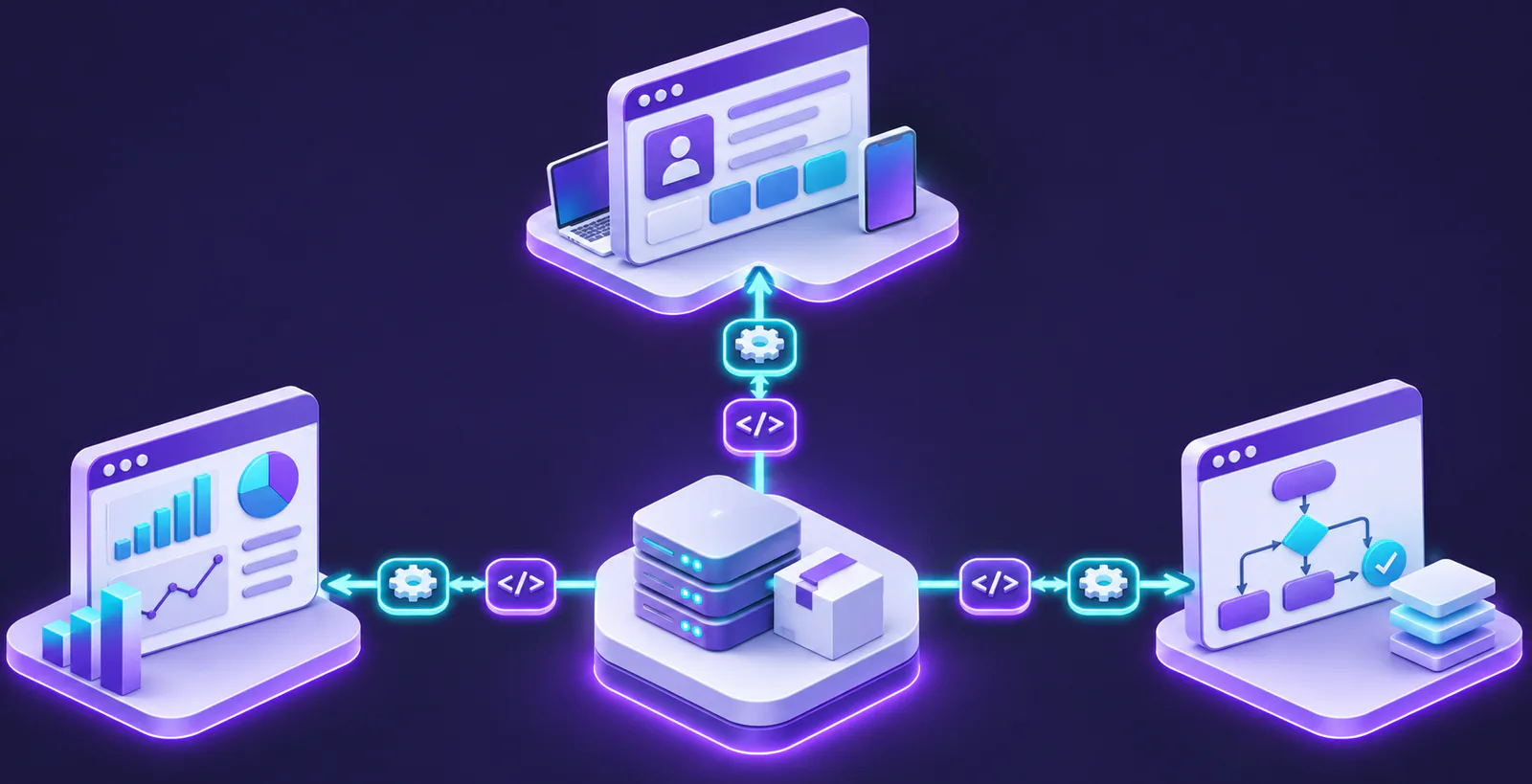
Most successful projects live between the two extremes. Common patterns:
- Off-the-shelf core + custom layer. Keep your CRM or accounting system; build a custom portal, dashboard, or workflow on top using their APIs.
- Integration and automation first. Connect the tools you already pay for, remove the manual steps, and see how much of the problem disappears.
- Replace the worst workflow. Build a custom tool for the single process that hurts most and leave everything else alone.
- Admin dashboard over a spreadsheet. When a spreadsheet has become a database, a custom admin tool with proper roles and history can replace it without a huge project.
- Custom for the customer-facing part, off-the-shelf for the back office.
Signs you have outgrown your tools
Look for patterns, not one-off annoyances:
- The same data is typed into two or more systems.
- Staff keep a "master spreadsheet" because no system is trusted.
- You pay for several tools to cover one process.
- New hires need weeks of training on workarounds.
- You can't answer a basic question (e.g., "which customers are overdue and why?") without exporting and combining data.
- Customers see delays caused by your internal handoffs.
- Your tool vendor's price changes drive your budget.
If three or more apply, a structured look at integration or custom work is warranted.
The risks of building, and how to reduce them
| Risk | How to reduce it |
|---|---|
| Build takes longer or costs more | Start with a small first release; fixed milestones with written acceptance checks |
| Only one person understands the system | Require documentation, code in your repository, and a proper handover |
| Maintenance gets neglected | Budget 15–20% yearly; agree on a support model before launch |
| You build the wrong thing | Short discovery, prototype with real users, then build |
| Vendor lock-in with the developer | Own the repository and cloud accounts from day one |
| Security gaps | Basic hardening, backups, access control, and updates are part of scope, not extras |
Our software handover checklist explains what you should receive when a build finishes.
How to move off a tool safely
If you decide to replace a tool, avoid a "big bang" switch:
- Export and audit your data first. Confirm you can get everything out, in a usable format.
- Map the workflow as it really runs, not as the tool's manual describes it.
- Build the smallest useful version that covers the highest-value workflow.
- Run in parallel for a few weeks. Keep the old tool as a safety net.
- Migrate in stages, team by team or process by process.
- Cancel the old subscription only after the new system has handled a full business cycle.
A note for teams in emerging markets
In Pakistan and similar markets, mainstream tools often meet local reality awkwardly: local payment gateways, courier services, tax reporting, Urdu or right-to-left interfaces, patchy connectivity, and offline operation for shops and restaurants. These are common reasons a standard SaaS product that works elsewhere falls short locally. They are also legitimate reasons to build or extend, as long as the process is stable and you can maintain what you build. Check whether a local or regional product already solves it before committing.
AI and automation change the picture, but not the basics
AI tools lower the cost of prototyping and of automating routine steps, such as drafting replies, sorting requests, or summarizing documents. They do not remove the need for clear workflows, human review of consequential decisions, access controls, and someone responsible for the result. For many teams, the right first step is automating one well-understood task rather than replacing a whole system. Keep people responsible for decisions where AI is involved.
A simple decision flow
- Is the process standard? Yes → buy a tool and invest in good setup.
- Did a tool fit most of it, but data or steps don't connect? → buy and extend with integration and automation.
- Is the workflow central to your advantage, or are costs and workarounds large? → model custom with the 5-year numbers.
- Can you own it (decision-maker, maintenance budget, documentation)? → build small, in stages.
- Still unsure? → run a short, paid discovery before deciding. It is the cheapest way to avoid the wrong six-figure choice.
Not sure which path fits?
Tell us what the process is, where it breaks, and who uses it. We will give you an honest recommendation, including "buy this tool and connect it" if that is the better answer.
- Book a free call
- Request a technical discovery
- AI, Automation & Internal Tools
- API & System Integrations
Sources and notes: license utilization from Zylo's 2026 SaaS Management Index; buyer regret from Gartner Digital Markets (2024) as summarized by BridgeView IT; build-vs-buy trends from Retool's 2026 Build vs. Buy report (a survey of 817 builders). Vendor-published statistics may reflect the publisher's interests. The cost model and workaround example are illustrative; replace the inputs with your own numbers.
Common questions